Stream your whole screen, a single app or your games from your own machine, and share it with anyone through a link.
Free · Mac · Windows · iPhone & iPad · Linux soon

At 60 fps a frame lasts 16.7 ms. Byfrost gets the picture from your PC's GPU to your screen inside that window, so the game feels like it is running in front of you.

Measured end to end on a local network. Streams up to 4K. Over the internet, expect more depending on distance.
Glide one app from the other machine and it lands on your desktop as a window of its own, next to your local apps. Its menus, dialogs and pop-ups follow it.
Move it, resize it, put it beside your local apps. No remote desktop frame around it.
A Mac app's menu bar is mirrored on Windows, so every command is where you expect it.
Save sheets, pickers and pop-ups open as real windows on your side.

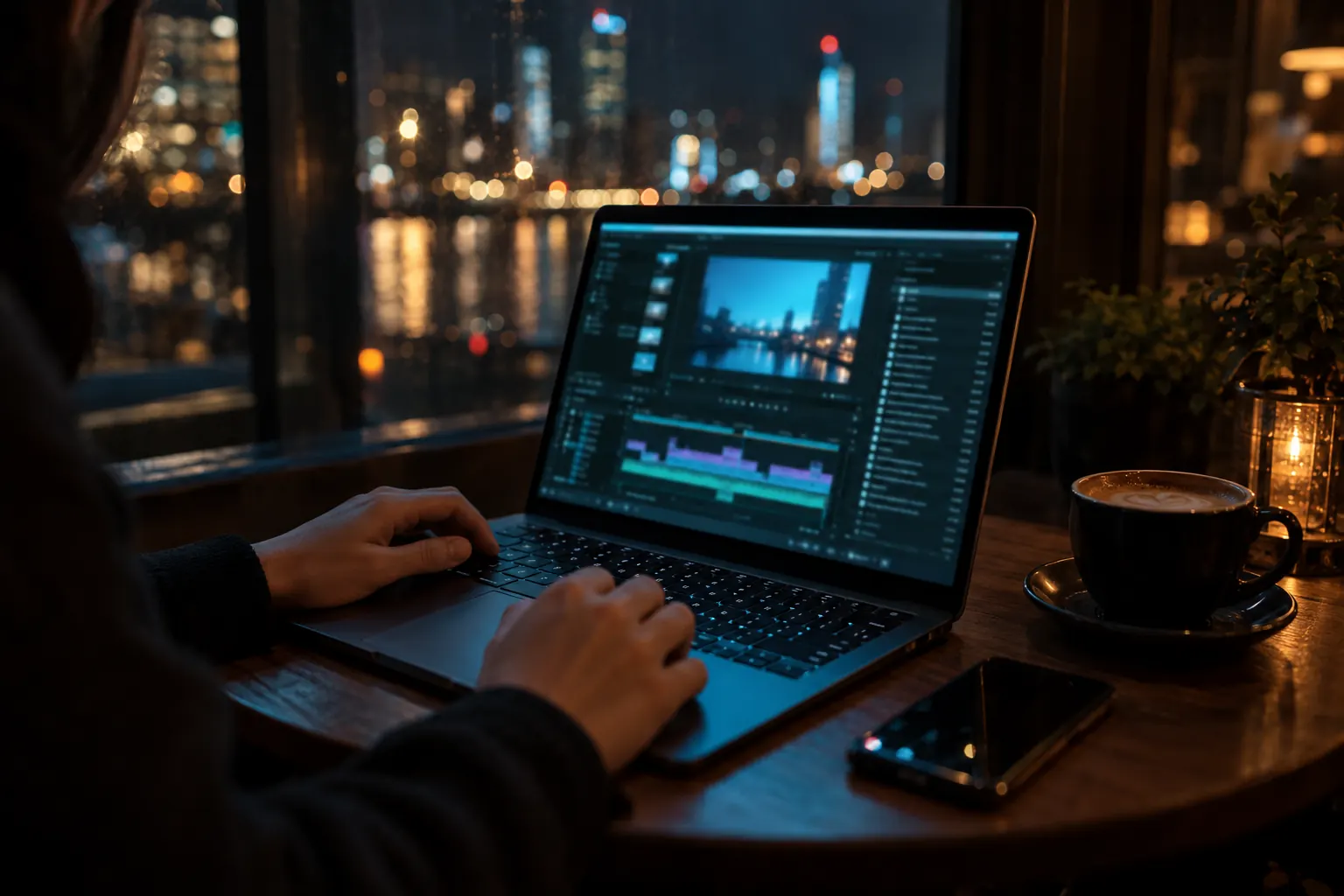
Leave the studio, keep the studio. Open your entire Mac or PC from a laptop, a tablet or a phone, at the resolution of the machine you left at home.
ScreenCaptureKit on Mac, Desktop Duplication on Windows.
Written in Rust, with hardware doing the heavy work on both ends.
VideoToolbox on Mac, NVENC and D3D12 on Windows.
Your machines connect to each other directly whenever the network allows it.
Every packet authenticated with XChaCha20-Poly1305.
Error correction, retransmission and pacing keep the picture steady.
Opus audio travels with the picture.

Install Byfrost on the machine you stream from and on the one you sit at. Free. Downloads open soon.
macOS 14 or later. Apple silicon and Intel.
Available soonWindows 10 20H1 or later. Installer or portable.
Available soonWatch and control your Mac or PC from your phone or tablet.
Soon on the App StoreIn the works. Use Mac or Windows as the host until then.
Coming soon